

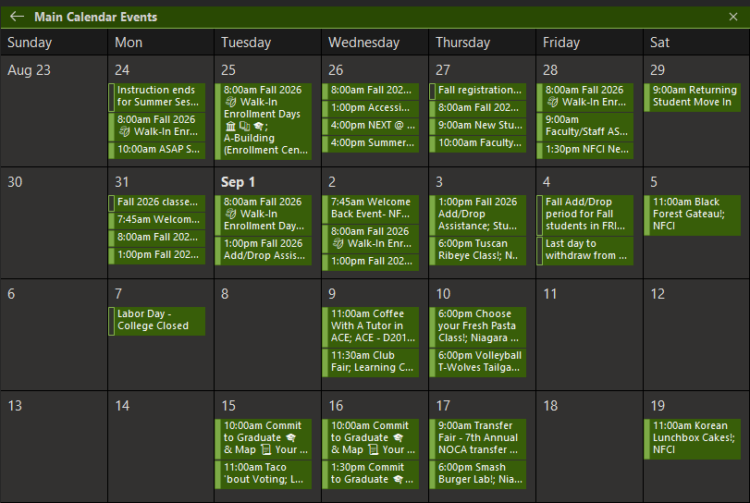
Get SUNY Niagara Events Right in Your Outlook Calendar
Tired of checking the calendar page every week? You can have SUNY Niagara events show up automatically in your Outlook calendar instead. Here’s how:
- Go to calendar.sunyniagara.edu
- Click “Subscribe to Feeds”
- Choose what you want — everything, or just specific categories like deadlines, events, or enrollment dates
- Add it to your Outlook calendar
Once you’re subscribed, it stays updated on its own. Set it and forget it!